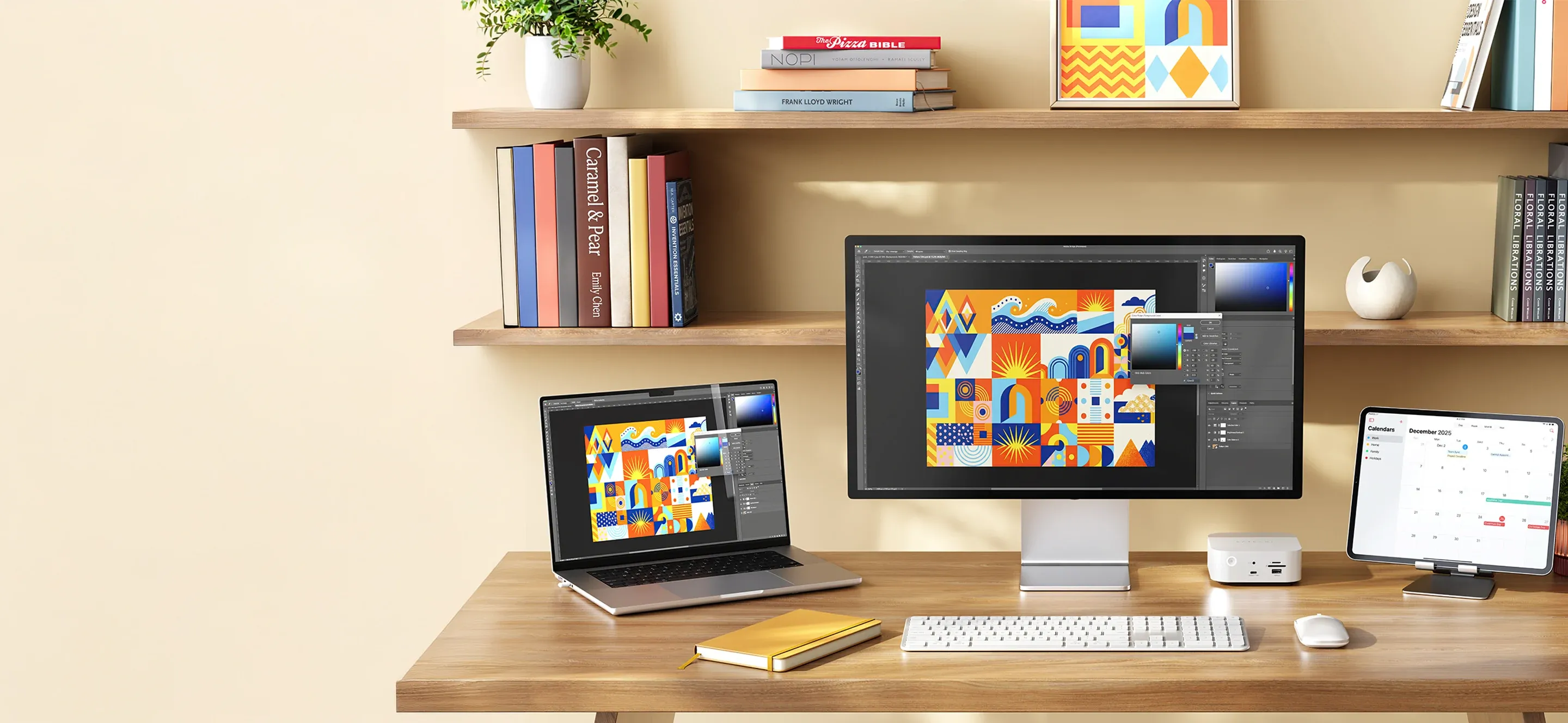
MacBook Neo is made for students — light, flexible, and powerful enough for most things. But as soon as you sit down at your desk, you quickly notice what's missing. A little more workspace, more ports, and better ergonomics make a big difference when studying gets serious.
The good thing is that you don't need to build an advanced setup. With a few well-chosen accessories, you can turn your laptop into a complete workstation — without making your backpack heavier or your desk more cluttered.
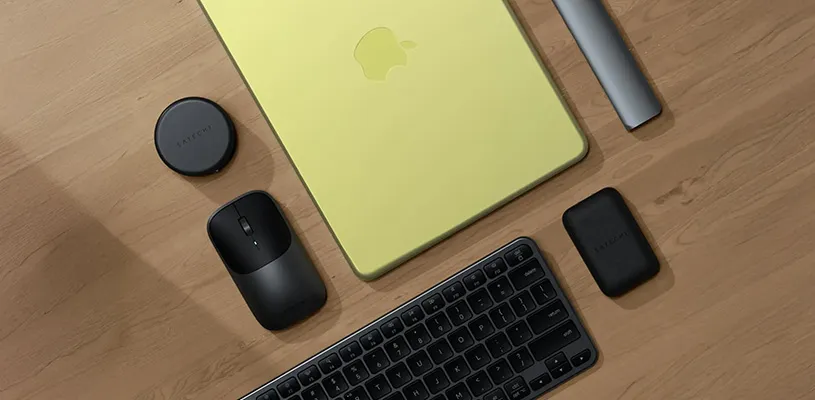
An external keyboard and mouse immediately make longer writing sessions feel much more comfortable, while giving you better precision in everything from code to documents. Add a handy USB-C hub, and you no longer have to choose between charging, screen, and accessories — everything works at once.
On the charging side, modern GaN chargers make a big difference. Smaller, lighter, and powerful enough to run your entire setup. Pair them with smart cables and a desk mat, and you get not only better functionality — but also a setup that actually feels considered and pleasant to use.
The point is simple: MacBook Neo is a good start, but it's the accessories around it that make it a real workspace.
Products in the guide
• Satechi SM3 Slim Mechanical Backlit Bluetooth Keyboard
• Satechi Slim EX3 Wireless Keyboard
• Satechi M1 Wireless Mouse
• Satechi Slim EX Wireless Mouse
• Satechi OntheGo 7-in-1 Multiport Adapter
• Satechi 7-in-1 USB-C Slim Multiport Adapter with Ethernet
• Satechi 145W USB-C 4-Port GaN Travel Charger
• Satechi USB-C to USB-C Data and Charge Cable
• Satechi Right-Angle USB-C to USB-C Cable (1m)
• Satechi Vegan-Leather Premium Desk Mat