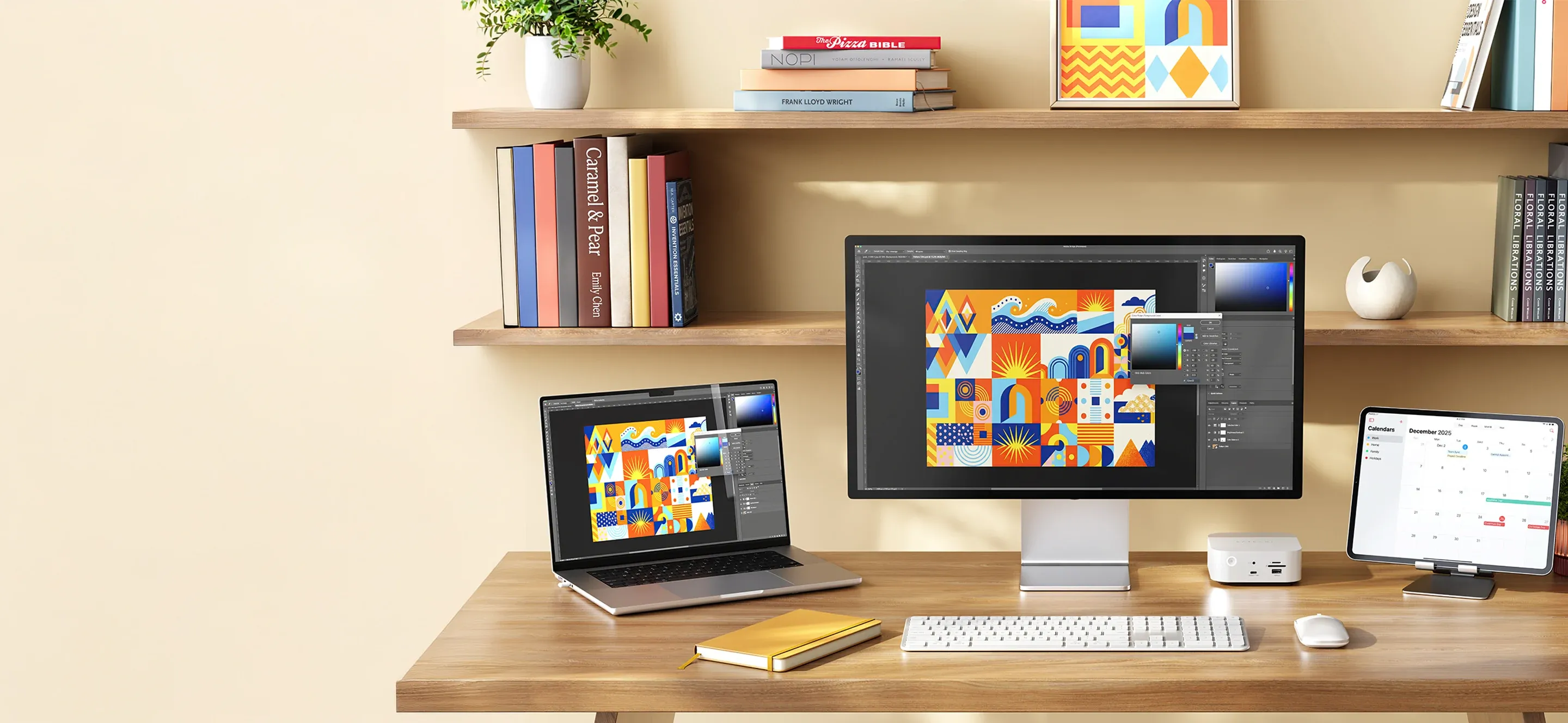
A Mac works perfectly well straight out of the box. But after a while, you usually notice a few small things that could work a little more smoothly. Maybe a connection is missing, maybe your working position doesn’t feel quite right, or maybe your desk is starting to fill up with things that should really have their own place.
The good news is that you rarely need a major change. With a few carefully chosen accessories, you can make your Mac more practical at home, in the office, and on the go. Here are five examples of small upgrades from Satechi that can make a big difference in everyday life.
1. A small adapter that solves big problems
It’s often only when you need to connect a USB drive, an external display, or a memory card that you realize your computer doesn’t have the right port. Modern MacBook models offer plenty of options via USB-C, but that doesn’t mean all accessories use the same connection.
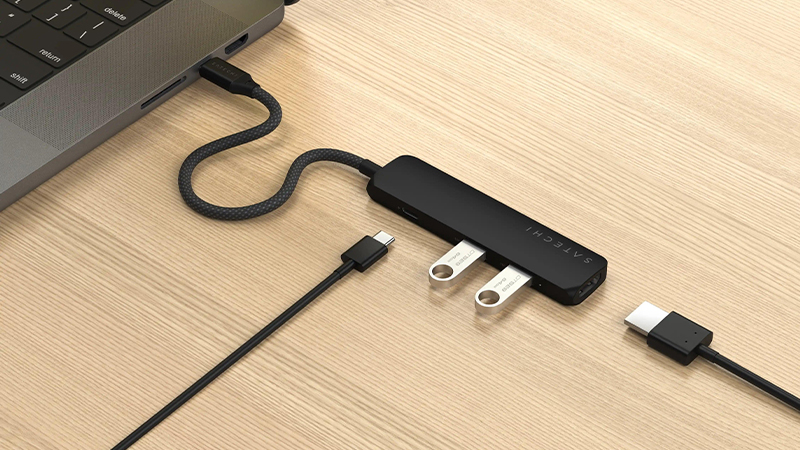
A compact USB-C adapter is therefore one of the most useful things to have close at hand. Satechi’s 4-in-1 USB-C Slim Multiport Adapter is one example, offering access to HDMI and USB connections, among others. It takes up little space and is easy to move between different workspaces. Perfect when you want to connect something quickly without pulling out a large docking station.
2. A good mouse makes the workday more comfortable
The MacBook trackpad is really good, but during longer work sessions, a separate mouse can be a welcome complement. Especially if you work with multiple windows, large spreadsheets, or tasks where you often need to move the pointer with precision.
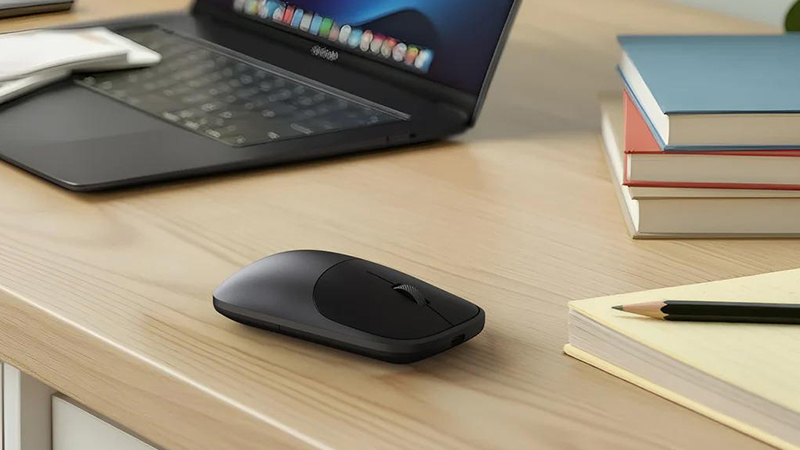
Satechi Slim EX Wireless Mouse is a compact option with a rechargeable battery and wireless connectivity. It works well both on your desk and in your laptop bag. For those who use multiple devices, the ability to switch connections can also be practical. It’s a small change that can make your workspace more flexible.
3. A laptop stand gives the screen a better position
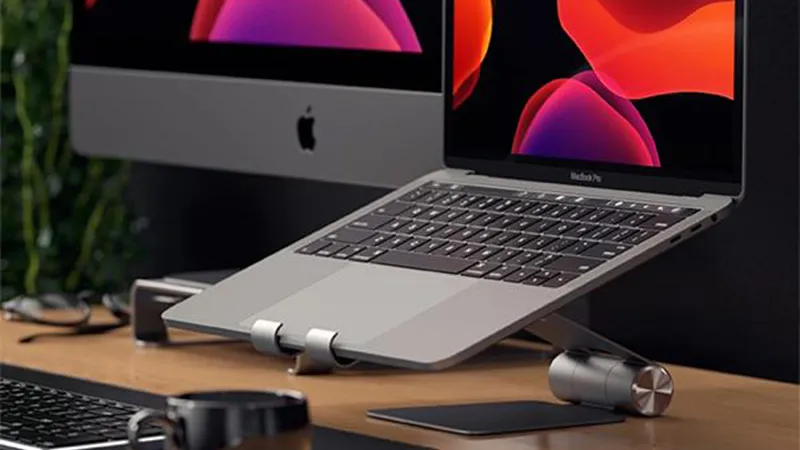
When you sit in front of a laptop for a long time, it’s easy to stay in the same working position. The screen often ends up fairly low, which can be uncomfortable for both neck and shoulders. A stand is an easy way to change how the computer sits on your desk.
Satechi has several stand solutions that help raise or tilt the computer. Combine the stand with a separate keyboard and mouse, and you also get more freedom to place the screen where it works best. It doesn’t have to become an advanced workstation, just a slightly more comfortable place to sit.
4. An extra keyboard gives you more freedom
The built-in keyboard obviously works well when you’re sitting with the computer in your lap or working on the move. But when the computer is on a stand or connected to an external display, a separate keyboard becomes much more practical.
Satechi’s wireless keyboards come in different sizes and designs. A compact keyboard takes up less space, while a larger model can be a better choice for anyone who uses many keyboard shortcuts or works a lot with numbers. The most important thing is to choose a size and design that suits how you actually use your Mac.
5. A small SSD solution makes room for more
Photos, videos, documents, and project files can quickly fill your computer’s internal storage. For anyone working with larger files, an external SSD can be a practical way to free up space while also moving material between different computers.
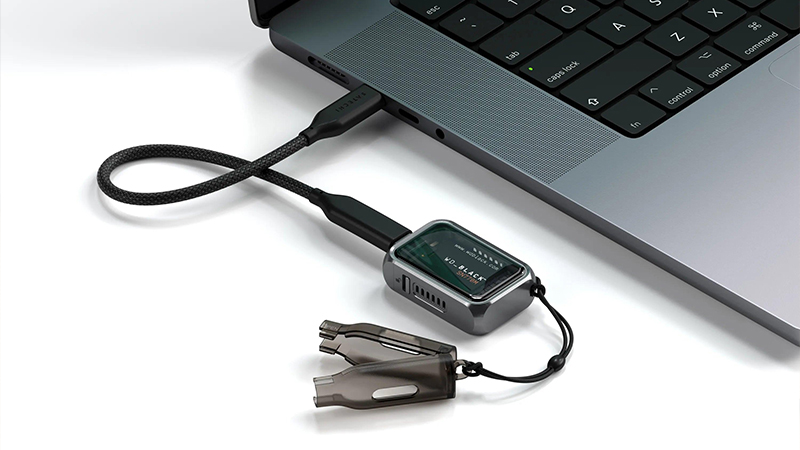
With Satechi’s Mini NVMe SSD Enclosure, you can use a compatible NVMe drive as external storage via USB-C. The solution is compact and is especially well suited to anyone who wants quick access to work files without carrying a larger external hard drive. Keep in mind that the SSD itself must be chosen separately, and that important files should always be backed up.
Small changes that make everyday life easier
Of course, you don’t need to buy five new accessories to get a better Mac experience. Often, it’s enough to identify what bothers you most in everyday use and start there. For some people, it’s an adapter that always needs to be in the bag. For others, it’s a stand or a mouse that makes long workdays more comfortable.
That’s also the idea behind many of Satechi’s products. The accessories are meant to complement the technology you already use and make it a little easier to live with. Small improvements can together create a workspace that works better, without becoming more complicated.
FAQ
Which accessory is most useful for a MacBook?
It depends on how you use your computer. A USB-C adapter is often a good first choice if you need to connect more devices, while a mouse or a stand can be more useful during longer work sessions.
Do I need a USB-C hub if my MacBook already has several ports?
Not always. But a hub can be practical if you use older USB accessories, memory cards, or an external display with a connection your computer doesn’t have.
Is a laptop stand good for ergonomics?
A stand can help you place the screen at a more comfortable height. For longer work sessions, it’s often a good idea to combine it with a separate keyboard and a mouse.
Do Satechi’s accessories work with all Mac models?
Many work with several Mac models, but compatibility varies between products. Always check the connections and system requirements before choosing an accessory.
Can I use an external SSD to store photos and videos?
Yes. A compatible external SSD can be used for documents, photos, video files, and other projects. Keep in mind that storage does not replace a separate backup.