

Buying a new charger should be simple. Yet many people get stuck when choosing between 20 W, 45 W, 65 W, 100 W, or even 140 W. Do you really need that much power, or are you just paying for something you’ll never use?
The short answer is that the right charger is less about maximum output and more about matching your devices and how you use them. If you understand a few simple basics, it becomes much easier to choose the right one from the start. Here, we’ll go through how many watts you actually need for iPhone, iPad, and MacBook, why USB-C Power Delivery plays an important role, and how to think if you want to charge several devices at once.
Quick answer - how many watts do you need?
|
Device |
Recommended charger |
|---|---|
|
iPhone |
20-30 W |
|
iPad |
30-45 W |
|
iPad Pro |
45 W |
|
MacBook Air |
35-65 W |
|
MacBook Pro 14 inches |
70-100 W |
|
MacBook Pro 16 inches |
100-140 W |
|
Several devices at once |
100-140 W |
For most Apple users, a good 65 W charger is the sweet spot. It handles a MacBook Air, iPad, and iPhone without any problem.
More watts do not always mean faster charging
This is probably the most common misconception when it comes to chargers. If you connect an iPhone to a 140 W charger, the phone will not suddenly start charging at 140 W. The Apple device decides how much power it wants to draw. The charger only offers its maximum capacity.
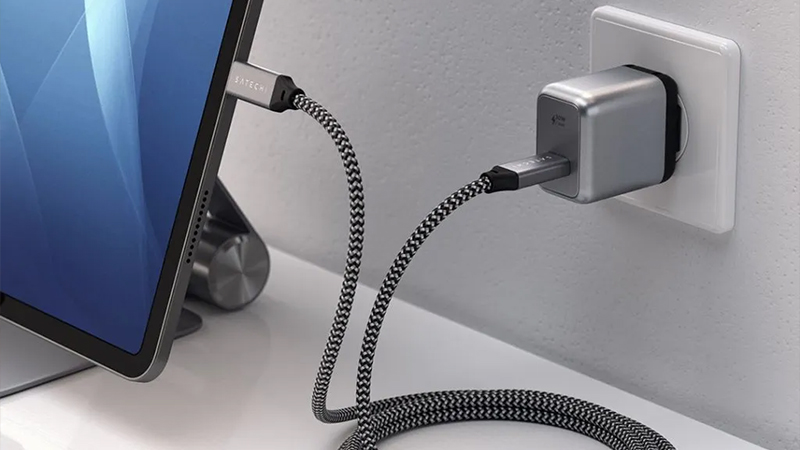
Think of it like a water pipe. A larger pipe can deliver more water, but if the tap is only slightly open, no more than what is needed will come out. The same applies to charging. An iPhone may draw around 20-30 W during fast charging, even if the charger can deliver much more.
That also means it is completely safe to use a powerful charger with smaller devices as long as it supports modern standards like USB-C Power Delivery.
What is USB-C Power Delivery?
When you see the abbreviation USB-C PD or USB-C Power Delivery, it refers to a standard that lets the charger and the device communicate with each other.
Instead of simply sending full power, the charger and the device negotiate exactly how much current is needed. That makes charging faster, safer, and more efficient.
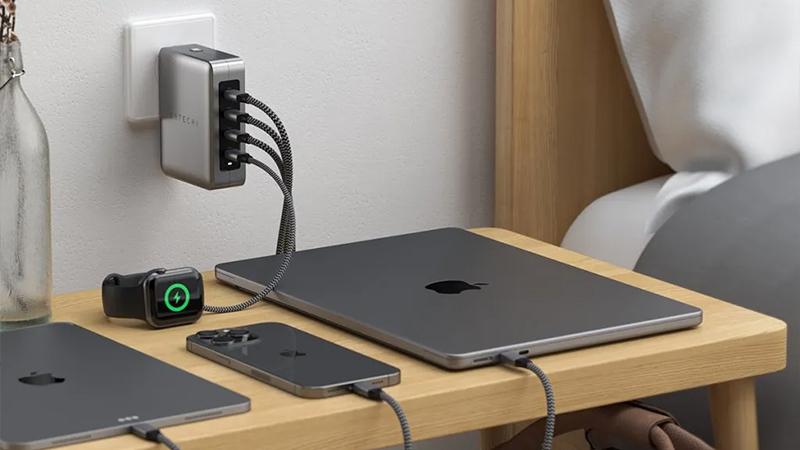
That is also why the same USB-C charger can be used for everything from a pair of headphones to a powerful MacBook Pro. Devices simply draw only the power they need.
If you are buying a new charger today, USB-C Power Delivery is something you should always look for. It is the standard behind nearly all modern fast charging.
How many watts does a MacBook need?
The MacBook is often the device that determines how powerful a charger you need to buy.
A MacBook Air works perfectly well with 35 W or 45 W, but many people choose 65 W because it gives a little extra headroom and also works for several other devices.
For MacBook Pro, the power requirement is higher. Especially if you work with video, photo editing, or other demanding tasks while the computer is charging.
|
Model |
Recommended output |
|---|---|
|
MacBook Air |
35-65 W |
|
MacBook Pro 14” |
70-100 W |
|
MacBook Pro 16” |
100-140 W |
If you are unsure, a modern 100 W charger is often a safe investment that works with almost all MacBook models.
Charge several devices at once
This is where many people are surprised by how power actually works. If you have a charger with four USB-C ports and a total output of 100 W, that power is shared between the connected devices. How it is distributed varies between models, but the total output stays the same.
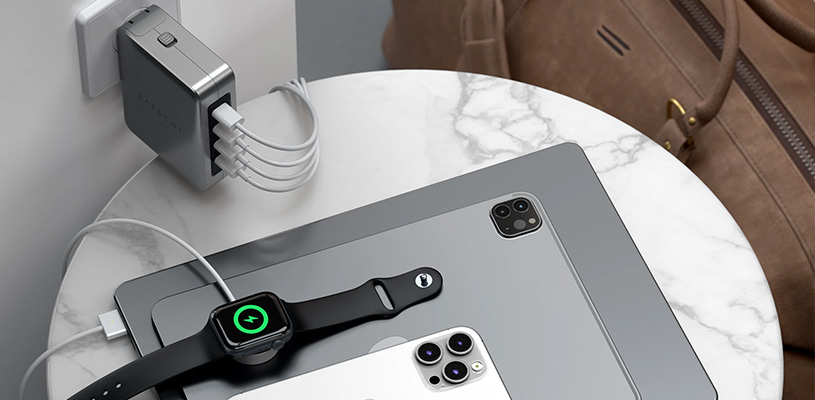
A common example could be:
- MacBook Air: 45 W
- iPad: 20 W
- iPhone: 20 W
- Apple Watch: 5 W
That adds up to 90 W, which means a 100 W charger still has a little headroom left.
For anyone who wants to charge their entire Apple setup from a single charger, 100 W or 140 W is usually the most flexible solution. It is especially practical on a desk or when traveling and you want to avoid multiple separate chargers.
65 W or 100 W - which should you choose?
For many people, the choice comes down to these two power levels. A 65 W charger is smaller, lighter, and often cheaper. It is a perfect fit for MacBook Air users or people who usually charge one or two devices at a time.
A 100 W charger, on the other hand, gives you more future-proofing. If you have a MacBook Pro or often charge several products at once, you will likely appreciate the extra capacity.
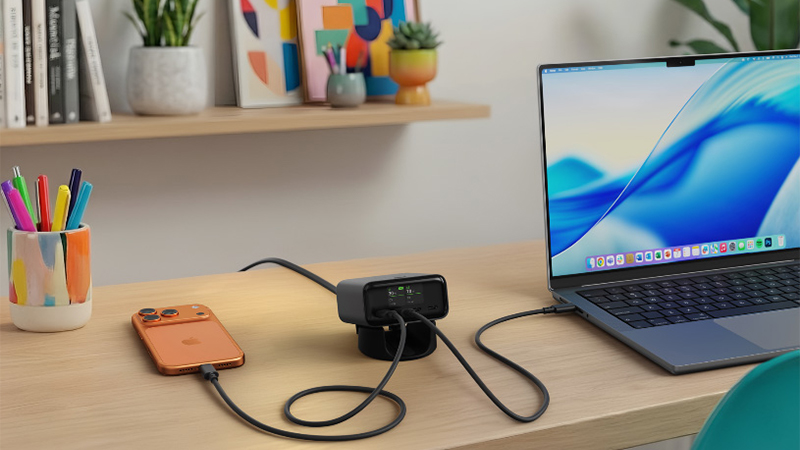
For most users, the real question is not what they need today, but how they will use their devices in one or two years.
How to choose the right charger
If you only charge an iPhone, a compact 20 W charger is more than enough. But if you have an iPad and a MacBook Air, a 65 W model may be the smartest choice.
For those who work from several places, travel often, or want to charge their entire desk setup from a single device, 100 W or 140 W is often the most practical solution.
The most important thing is to choose a quality charger with USB-C Power Delivery and enough power for the devices you actually use. That gives you fast charging, fewer cables, and a solution that will work for many years to come.
FAQ
How many watts does an iPhone charger need?
For most modern iPhone models, 20-30 W is recommended to get fast charging.
How many watts does a MacBook Air need?
MacBook Air works well with 35-65 W depending on the model and use.
How many watts does a MacBook Pro need?
MacBook Pro usually requires between 70 W and 140 W depending on screen size and model.
Is a 100 W charger too much for an iPhone?
No. The phone only draws the power it needs, even if the charger can deliver more.
What happens if I use a charger that is too weak?
The device will still charge, but often more slowly. In some cases, the battery level may even keep dropping if the computer is being used heavily at the same time.