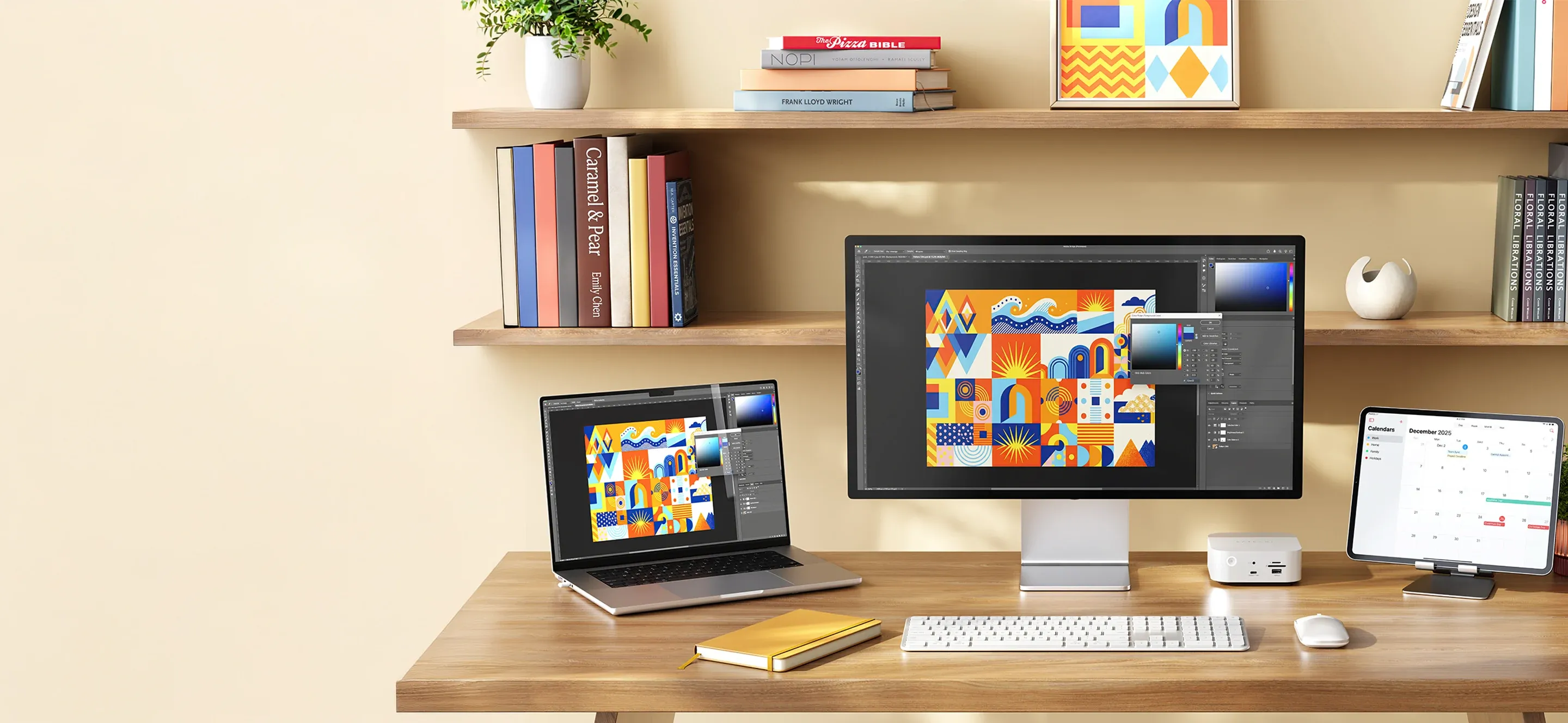
A MacBook can handle most things during a normal workday, but when you use it with an external display, keyboard, mouse, and storage devices, connections can quickly become a challenge. It is not always the number of ports that is the problem, but how they are positioned and how often different accessories need to be plugged in and removed.
With a well-planned setup of connections, you can create a workspace that works just as well for a few hours of work as for a full day in front of the screen. Satechi offers several USB-C hubs and docking stations that make it easier to bring accessories together and reduce the number of loose cables on your desk.
Start with what you use every day
Before you choose accessories, it is a good idea to think about which devices actually need to stay connected. An external display, a keyboard, and a mouse may be obvious parts of the workspace. For others, an external SSD, card reader, or network connection is just as important.
It can help to write down which connections you need and divide them into what should always be plugged in and what is only used occasionally. That makes it easier to decide whether a smaller USB-C hub is enough or whether a larger docking station is a better fit. It also reduces the risk of paying for features you will never use.
Let one connection do more
One of the main advantages of a USB-C hub is that several accessories can be connected through a single port on the computer. That is especially practical for anyone who often moves their MacBook between different workspaces and wants to avoid plugging in each device separately.
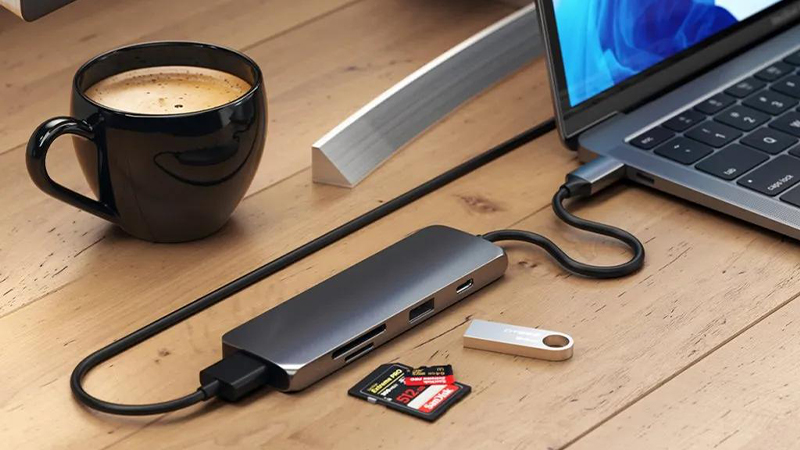
The Satechi USB-C Pro Hub Slim is an example of a compact solution with HDMI, USB4, and a card reader, among other features. It is a good fit for a workspace where you need to connect an external display, transfer photos from memory cards, and use other accessories. Always check compatibility with your MacBook, since both port functionality and support for external displays can vary between models.
Give the external display a natural place
A larger screen can make a big difference when you work with multiple documents, edit images, or need several programs open at once. But it is also important to place the display in a way that feels comfortable during longer work sessions.
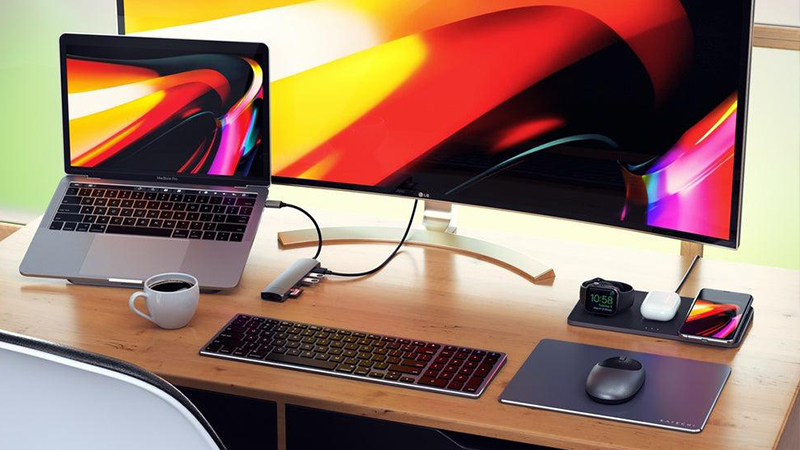
With a hub that has an HDMI output, you can connect a compatible external display without needing a separate video adapter. Satechi offers several options with support for 4K resolution. Which refresh rate works depends on the hub, the computer, and the display. It is therefore worth checking the specifications before you choose a solution.
Keep charging and storage in one place
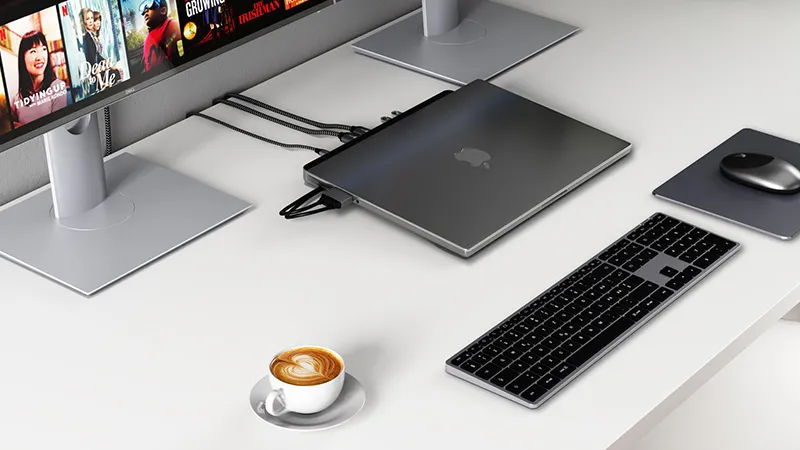
For a more permanent workspace, a docking station can be a practical option. It can bring together display connections, networking, storage devices, and charging so the computer can be connected quickly when the workday begins.
The Satechi USB-C Dual Dock Stand combines multiple connections with a stand placed under the computer. It includes support for external displays, Ethernet, and a built-in slot for a compatible SSD. That means extra storage can become part of the workspace instead of another separate device on your desk. Just make sure that your computer supports the display configuration you plan to use.
Make it easy to end the workday
A thoughtful workspace is not just about how many devices can be connected. It is also about how easy it is to get started in the morning and clear things away when the work is done. Cables that stay in the same place and accessories that do not need to be moved make everyday life a little smoother.
Start with the connections you use most and build from there as needed. A compact USB-C hub may be more than enough for simpler tasks, while a docking station is a better choice when several accessories need to stay connected all the time. With the right Satechi solution, it is easier to create a desk that works without unnecessary hassle.
FAQ
What is the difference between a USB-C hub and a docking station?
A USB-C hub is usually smaller and provides a few extra connections. A docking station often has more ports and is better suited to a permanent workspace with multiple accessories.
Can I connect an external display via a USB-C hub?
Yes, if the hub has a compatible video output and the computer supports the function. Also check which resolution and refresh rate are supported.
Can I charge my MacBook while using a hub?
Yes, many hubs support USB-C Power Delivery. The amount of power that can be delivered varies between models.
Do I need a docking station if I only use one display?
Not necessarily. A smaller hub with HDMI may be enough if you only need to connect one display and a few accessories.
Can I connect an external SSD to a Satechi hub?
Yes, if the hub has a suitable data port. Transfer speed depends on the hub's connections, the computer's support, and the SSD's performance.