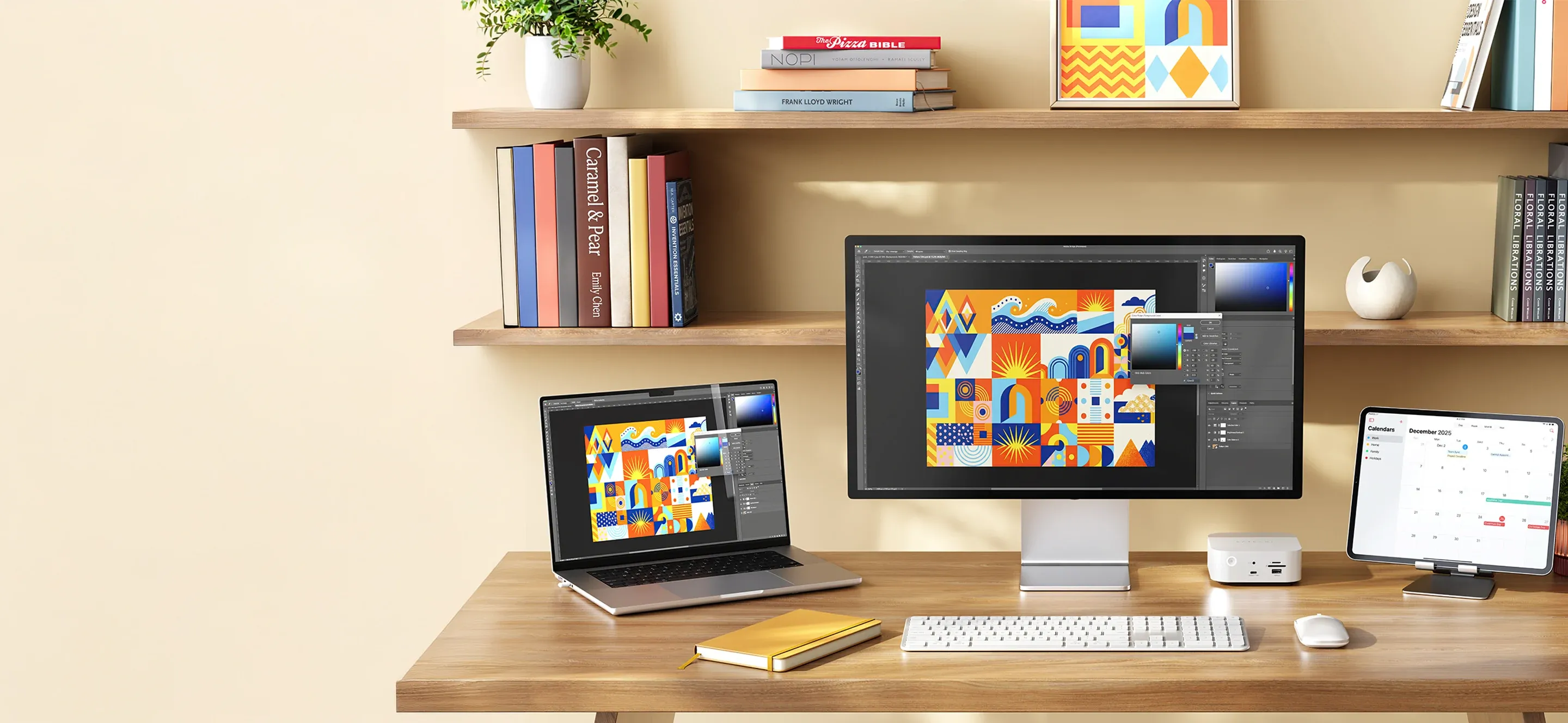
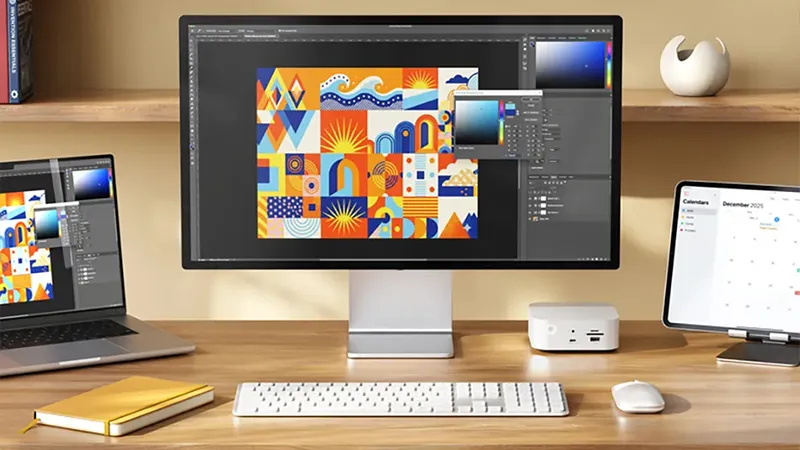
A desk doesn’t have to be packed with tech to work well. On the contrary, a few carefully chosen accessories can make the workday both easier and more organized. With smart solutions from Satechi, you can bring your connections together, simplify charging, and create a workspace that works just as well at home as it does in the office.
It often starts quite innocently. An extra monitor is connected to the computer, an external hard drive needs to be plugged in, and suddenly there aren’t enough ports. At the same time, the computer needs charging, the phone needs power, and all the cables should ideally stay off the actual work surface. Sound familiar? Then it may be time to think about how the desk is really used. With a few thoughtful changes, you don’t need to rebuild your entire workspace to get better order.
Bring your connections together
Many modern laptops have become thinner and lighter, but that has also meant fewer ports. For anyone using an external display, mouse, keyboard, and other accessories, things can quickly become a little impractical.
A USB-C hub or multiport adapter is therefore a good place to start. Satechi offers several models that make it possible to connect more accessories through your computer’s USB-C port. For example, the Satechi 7-in-1 USB-C Slim Multiport Adapter combines HDMI, USB-A, memory card, and Ethernet connections with support for USB-C Power Delivery.
That means you can bring several of your workspace’s most important connections together in a single compact adapter. If you have a laptop that often moves between home and the office, it also becomes easier to plug it in when you sit down at your desk.
Make charging a little less complicated
A computer, a phone, and maybe a tablet. It’s not unusual for several devices to need charging during the same workday. But each device doesn’t necessarily need its own power adapter.
With Satechi’s 100W GaN Dual USB-C and USB-A PD Travel Charger, you can charge up to three compatible devices at the same time. The charger has two USB-C ports and one USB-A port, making it useful for anyone with a mix of newer and older accessories.
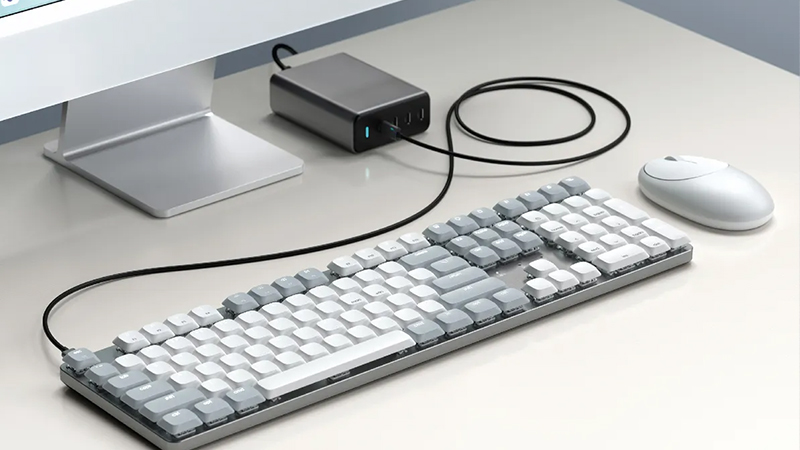
GaN stands for gallium nitride, a technology that makes it possible to design compact chargers with high output. It’s especially practical when you want to use the same charger at your desk and take it with you in your bag when the workday continues somewhere else.
Just remember that the available power is shared between the ports when several devices are charging at once. Which charger is best therefore depends on the products you use and how much power they need.
Choose accessories based on how you work
It’s easy to be drawn to the biggest hub or the most advanced charger. But the best accessory is not always the one with the most features, but the one that solves a real problem.
If, for example, you only need to connect an external display and a couple of USB accessories, a simpler multiport adapter may be more than enough. The Satechi 4-in-1 USB-C Slim Multiport Adapter combines HDMI with two USB-A ports and USB-C charging in a small format.
For those who work with larger files, the needs may look different. The Satechi USB-C Hybrid Multiport Adapter, for example, combines standard connections with a built-in slot for compatible SSD storage. That lets you bring both external connections and storage together in the same accessory.
So think about what you actually use every day before you choose. Sometimes it’s the simplest solution that makes the biggest difference.
A workspace that can go with you
More and more people are switching between different workspaces during the week. Some days we work at home, other days in the office, and sometimes from a café or a hotel room. In that case, it’s practical not to depend on a large collection of accessories that always have to stay on the desk.
Satechi’s compact adapters and chargers fit well into that way of working. A small USB-C hub easily fits in a laptop bag, and a charger with multiple ports reduces the number of power adapters you need to bring along.
But a flexible workspace is not only about technology. It’s also about creating an environment where it’s easy to get started, no matter where you sit. When the right connections are close at hand and charging works, you spend less time getting everything in place.
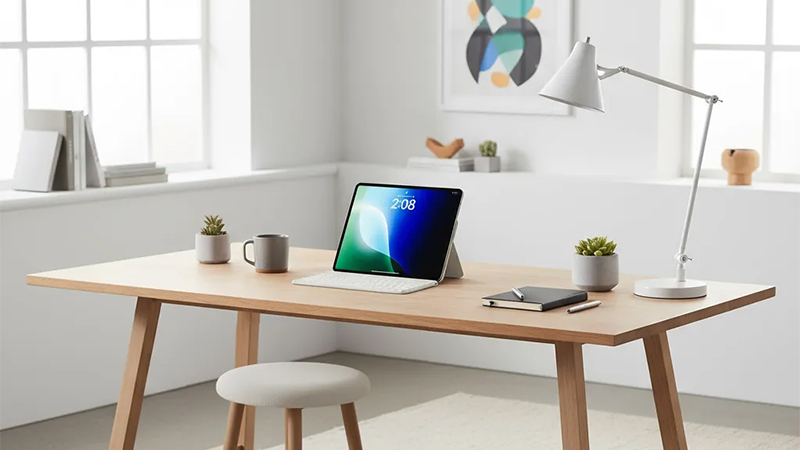
And that may be the whole point of a smarter desk. Not to fill it with more gadgets, but to choose a few that actually make everyday life easier.
FAQ
What is the benefit of a USB-C hub?
A USB-C hub lets you connect several accessories through a single port on your computer. Depending on the model, you can get connections for external displays, USB devices, networking, and memory cards, for example. It’s especially useful for laptops with few built-in ports.
Can I charge my computer through a Satechi hub?
Some Satechi hubs support USB-C Power Delivery, which makes it possible to pass charging through to a compatible computer. Always check the model’s specifications and how much power can actually be delivered to the computer, since this varies between products.
What does GaN mean on a charger?
GaN stands for gallium nitride and is a semiconductor material used in some modern chargers. The technology enables high output in a relatively compact format. The advantage is that a powerful charger can be easier to use both at your desk and when you travel.
Do I need an advanced docking station?
Not necessarily. If you only use a few accessories, a compact USB-C adapter may be enough. If, however, you have multiple monitors, fast external storage devices, and other equipment, a more advanced solution may be more suitable. Start with your actual connection needs.
Do Satechi’s accessories work with both Mac and Windows?
Many of Satechi’s USB-C accessories work with compatible Mac and Windows computers. Support does vary between models, especially when it comes to external displays, charging, and data transfer. So always check compatibility with your computer before choosing an accessory.