USB-C has made life easier in many ways. The same small connector is used for phones, tablets, computers, and countless accessories. Still, it happens that a cable works perfectly for charging but refuses to show an image on an external display. Or that file transfers take much longer than expected.
The explanation is that USB-C describes the connector, not everything the cable can do. One cable may be built for simple charging, while another handles large amounts of data and video signals. Here, we go through three common situations and show you how to choose the right cable without paying for features you do not need.
When you only want to charge your devices
If the cable is mainly going to be used to charge your phone, tablet, or computer, the charging power is what you need to check first. It is stated in watts, abbreviated W. A cable that supports 100 W can be used for charging up to that level, provided that both the charger and the device also support it.
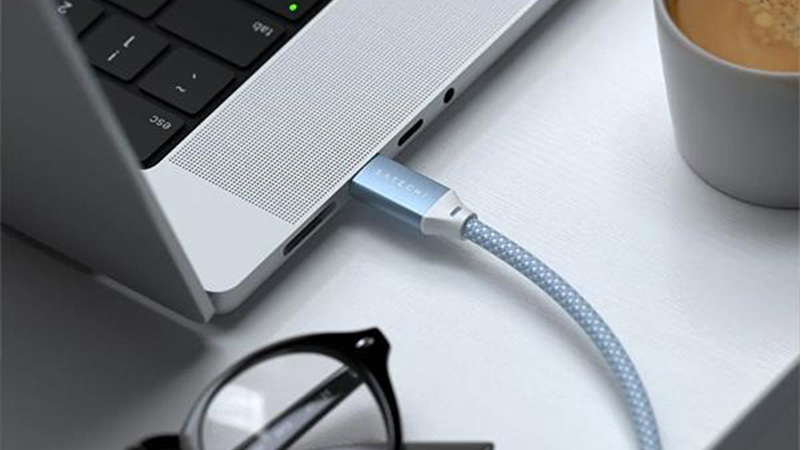
Satechi's two-meter USB-C charging cable is one example. It supports up to 100 W and has a braided nylon construction that works well at a desk or next to the sofa. The cable also handles data transfer at up to 480 Mbit/s, but it does not support video output. That does not matter for everyday charging, but it is good to know before you connect a display.
When you move large files
If you work with photos, video projects, or backups, the cable's data speed can matter a lot. A standard USB 2.0 connection with 480 Mbit/s works for smaller files and basic syncing. But if you need to move hundreds of gigabytes between your computer and an external SSD, the difference compared with a faster connection becomes clear.
In that case, a USB4 cable may be the better choice. Satechi's 80 cm USB4 cable supports data transfer at up to 40 Gbit/s and charging at up to 100 W. Of course, the actual transfer speed also depends on the computer, the storage device, and their connections. The cable cannot make a slow SSD faster, but it does not have to become the bottleneck either.
When you connect an external display
It is easy to think that all USB-C cables can carry video because the connectors look the same. That is not the case. To connect an external display via USB-C, the cable must support video transmission, and both the computer and the display need to be able to handle a compatible video signal.
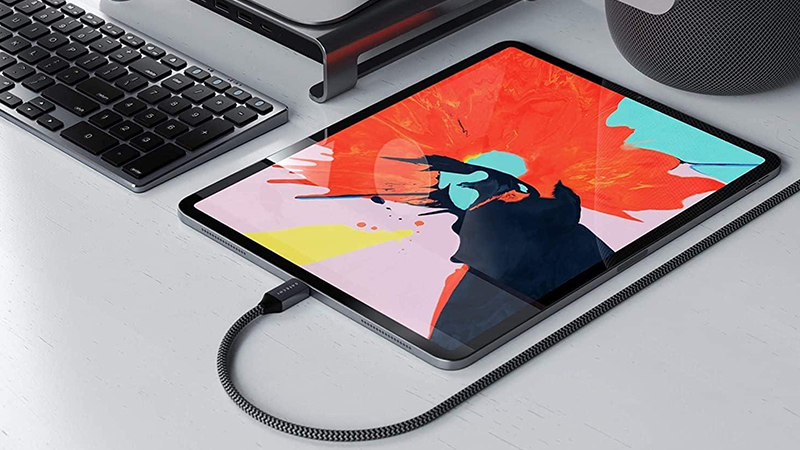
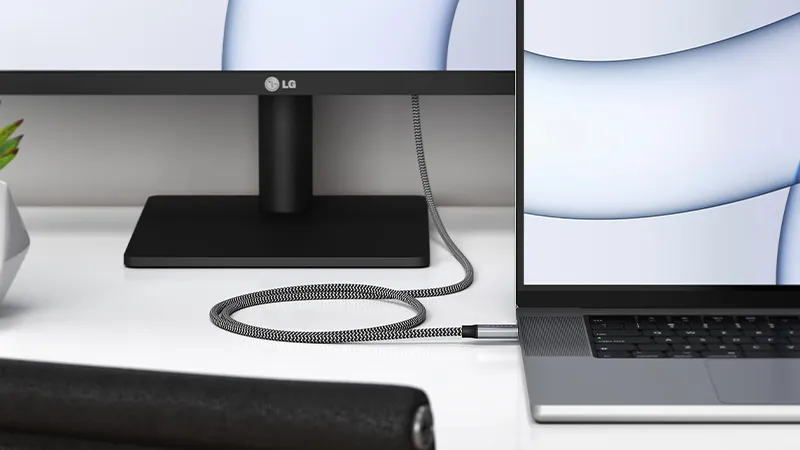
Satechi's 80 cm USB4 cable supports video output and can be used with compatible display setups. That makes it interesting if you want to connect a computer to a display or dock with a single cable. Which resolution and refresh rate you actually get depends on the entire connection chain, not just the cable's specifications.
Cable length and design also matter
Technical specifications are important, but do not forget how the cable will be used. A short cable can be perfect between a laptop and an external SSD on the desk. The same length, however, becomes impractical when the charger is behind the sofa or down by the floor.
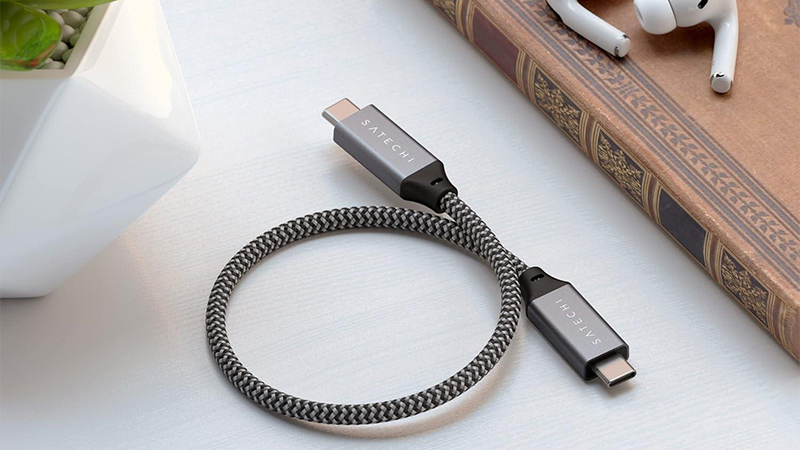
Satechi, for example, offers a compact 25 cm USB4 cable and a two-meter USB-C charging cable. The shorter model works well when devices are close together, while the longer one gives you more freedom of movement. There are also cables with angled connectors that can be useful in tight spaces. So choose both specifications and physical design based on your workspace.
How to avoid buying the wrong cable
Start by deciding what the cable will be used for. If it only needs to charge a phone, you rarely need the most advanced model. But if it is meant to connect a computer, a dock, and an external display, you need to check data speed, video support, and charging capacity.
Read the specifications instead of looking only at the connector or the price. Check power in watts, data speed in Mbit/s or Gbit/s, and whether video output is explicitly supported. With the right cable from the start, you avoid unnecessary limitations and get a solution that fits your devices and how you use them.
FAQ
Are all USB-C cables the same?
No. USB-C describes the connector type, but cables can have different support for charging, data transfer, and video signal. Two cables that look almost identical can therefore work in completely different ways.
Can I use a USB-C charging cable with an external display?
Only if the cable supports video output. Not all charging cables do. Also check that the computer's USB-C port and the display support a compatible video connection.
What is the difference between 480 Mbit/s and 40 Gbit/s?
It is about maximum data transfer speed. 40 Gbit/s is a significantly higher theoretical speed than 480 Mbit/s and can be useful with, for example, fast external SSDs. The actual speed also depends on the connected devices.
Do I need a cable that supports 240 W?
Not necessarily. Choose the cable based on the power your devices need. A cable with support for 240 W does not automatically deliver that much power; the charger and the device determine how much power is actually used.
Can I use the same USB-C cable for several different devices?
Yes, in many cases. A cable with the right specifications can be used with several compatible devices. However, you need to check the functions if you want to use it for more than basic charging, such as fast file transfers or external displays.