

There are few accessories that can make as much of a difference for a MacBook or iPad as the right connection solution. But when it’s time to buy, many people run into the same question: should you choose a USB-C hub or a docking station?
At first glance, they can seem quite similar. Both give you more ports and more ways to connect accessories. The difference becomes clear, however, as soon as you start thinking about how and where the device will be used. A student studying on campus has very different needs from someone sitting at the same desk every day with dual screens, network access and external storage. That’s why it’s important to understand the difference before deciding.
What’s the difference between a hub and a docking station?
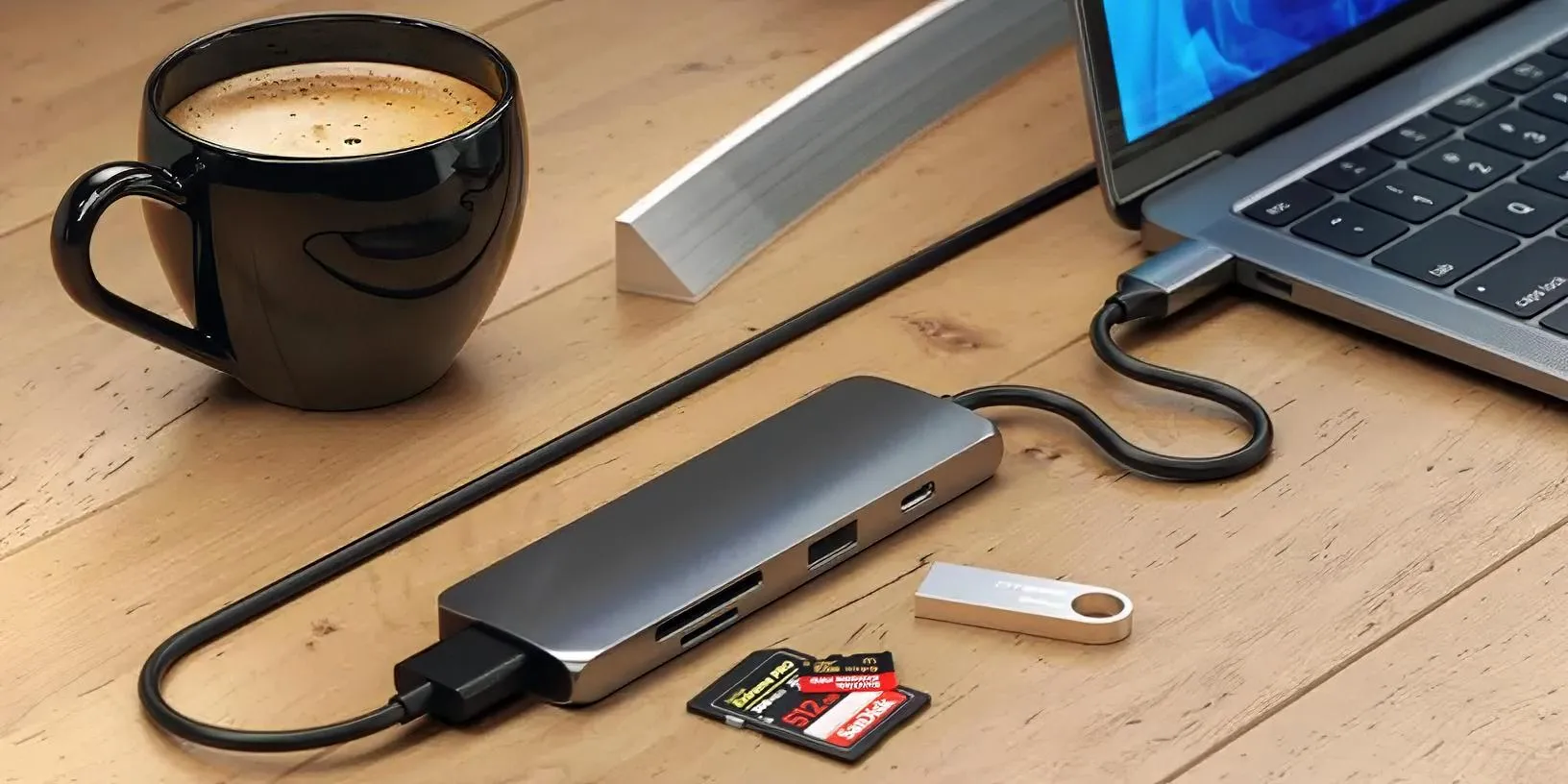
A USB-C hub is essentially a compact port expander. You connect it to your computer or tablet and get access to more ports such as USB-A, HDMI, an SD card reader and sometimes Ethernet. The focus is on flexibility and portability.
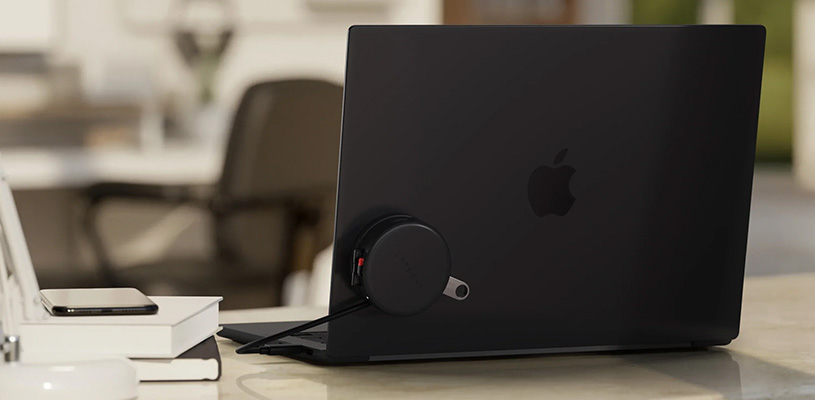
A docking station, on the other hand, is built to be the hub of a desk setup. It often has more ports, higher performance and better support for multiple displays, networking and fast storage. The idea is that all your equipment stays connected to the dock permanently, while you only connect a single cable to your computer when you sit down.
When is a USB-C hub enough?
For many MacBook users, a hub is actually all they need. If you only occasionally need to connect a display, transfer photos from a memory card or plug in a USB stick, there is rarely any reason to invest in a larger docking station.
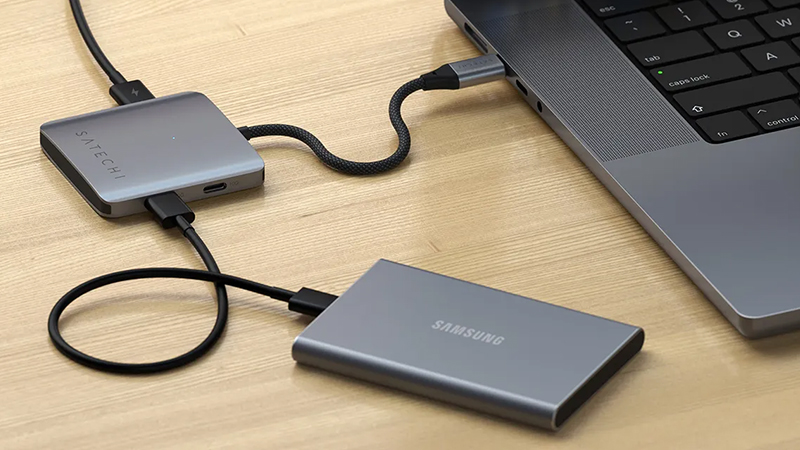
This is also where the portable hub really comes into its own. It fits in your bag, weighs very little and is easy to take between home, the office and the lecture hall. For anyone who often works on the move, it’s hard to beat the simplicity of a convenient multiport adapter.
When is it time to choose a docking station?
If your desk starts filling up with accessories, the situation changes quickly. Maybe you have an external display, keyboard, mouse, network cable, speakers and several external drives. Then it quickly becomes tedious to connect everything manually every time you want to use your computer.
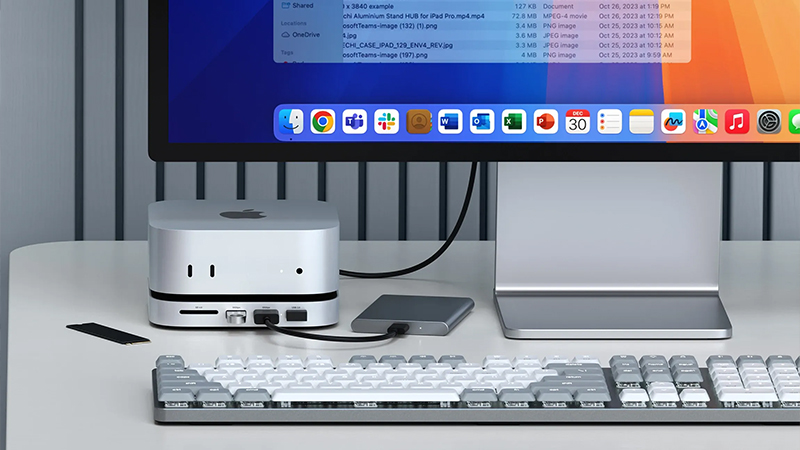
A docking station solves that problem by bringing everything together in one place. You get what is often called “one desk — one cable”. When you arrive at your workstation, you simply connect a single cable to your MacBook, and the rest of your equipment comes to life automatically. For many hybrid workers, it’s one of the most appreciated upgrades you can make.
Dual displays and better performance
One of the most common reasons to choose a dock over a hub is display support. A simpler USB-C hub often works perfectly with one external display, but once multiple screens enter the picture, the limitations start to show.
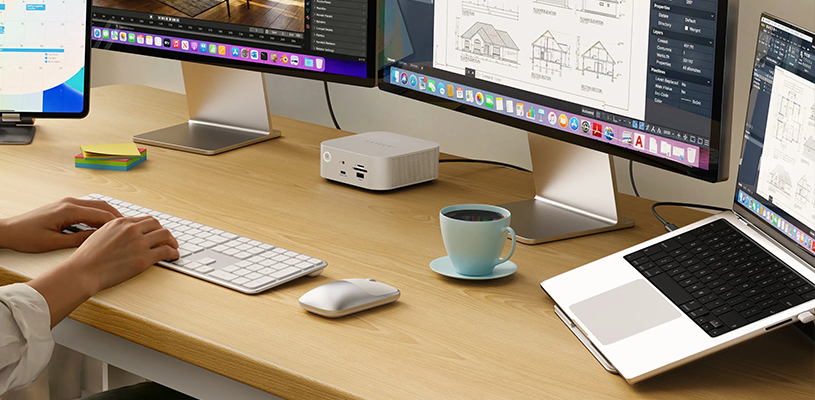
Modern Thunderbolt docks offer far greater bandwidth and can handle multiple high-resolution displays at the same time. For creators working with photo, video or large project files, that can be essential. This is especially true if you want to combine dual displays with fast external storage without compromising performance.
Still having trouble deciding?
- Do you work mostly on the move? Choose a USB-C hub.
- Do you only sometimes need to connect a display and a few accessories? Choose a USB-C hub.
- Do you have a fixed workspace at home or in the office? Look at a docking station.
- Do you want to connect multiple displays, networking and storage through a single cable? Choose a dock.
- Do you work with creative software or large files every day? A Thunderbolt dock is usually the best solution.
How to choose the right one for your MacBook or iPad
It’s really not about one solution being better than the other. A hub is often the smartest choice when flexibility and portability matter most, while a docking station is built to create a permanent and streamlined workspace.
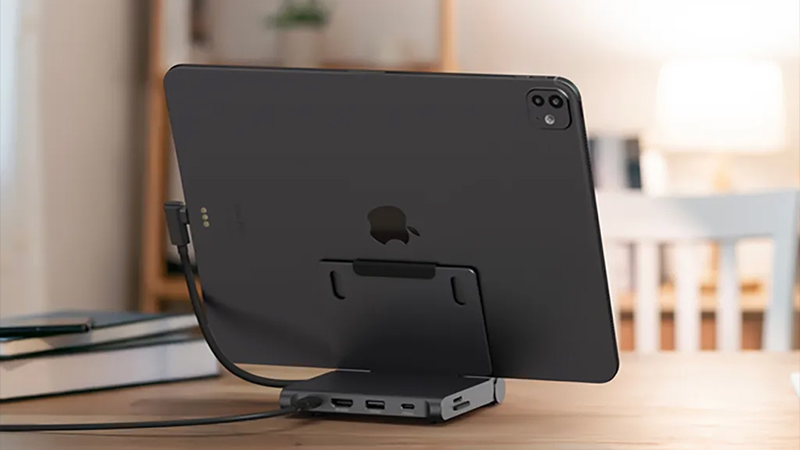
For many people, the journey starts with a simple hub and ends with a dock as the workspace takes shape. What matters is starting from how you actually use your MacBook or iPad today. That makes it much easier to find the right solution without paying for features you’ll never use.
FAQ
Is a docking station better than a USB-C hub?
Not necessarily. A docking station offers more features and higher performance, but for many users a compact USB-C hub is more than enough.
Do I need a docking station for my MacBook?
If you use multiple displays, networking and other peripherals every day, a docking station can make your workday much smoother.
Can I use a docking station with an iPad?
Yes. Many modern docks and hubs work very well with iPad via USB-C or Thunderbolt and make it easier to connect displays, storage and accessories.
What does “one desk — one cable” mean?
It means that all your equipment is connected to a docking station and that you only need to connect a single cable to your computer to access everything.
Is Thunderbolt worth the money?
For users who work with multiple displays, fast storage or demanding workflows, Thunderbolt can offer clear advantages. For simpler use, a regular USB-C hub is often enough.