



 Svenska (SEK)
 Dansk (DKK)
 Norsk (NOK)
 Suomi (EUR)
 Eesti (EUR)
 Latviešu (EUR)
 Lietuvių (EUR)
 Deutsch (EUR)
 Français (EUR)
 Español (EUR)




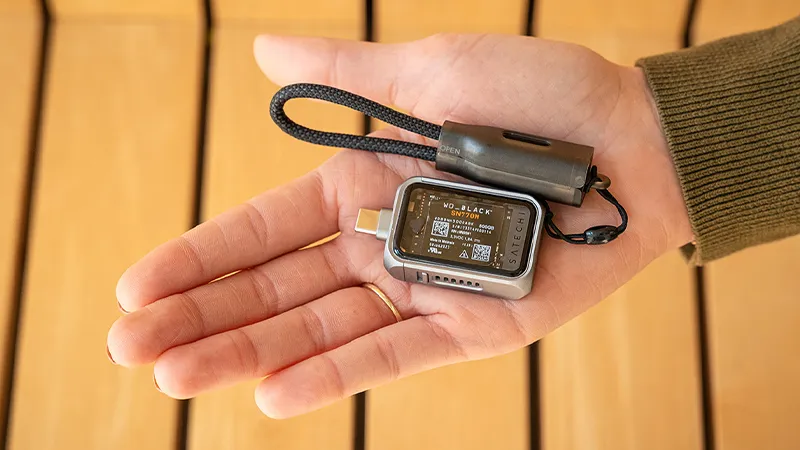
Internal storage will eventually run out. That’s true whether you work with video, take a lot of photos, or have simply collected large amounts of files over the years. An external SSD is often the easiest solution, but did you know you can build your own in just a few minutes?
With an NVMe SSD enclosure, you can reuse an SSD you already have or choose exactly the storage capacity you need. The result is often faster, smaller, and more flexible than many ready-made external hard drives. For many users, it’s also a much more cost-effective option.
Why choose an NVMe SSD enclosure?
Many modern computers now use fast NVMe SSDs for internal storage. They offer significantly higher speeds than older SATA-based solutions and are just as well suited to external storage.
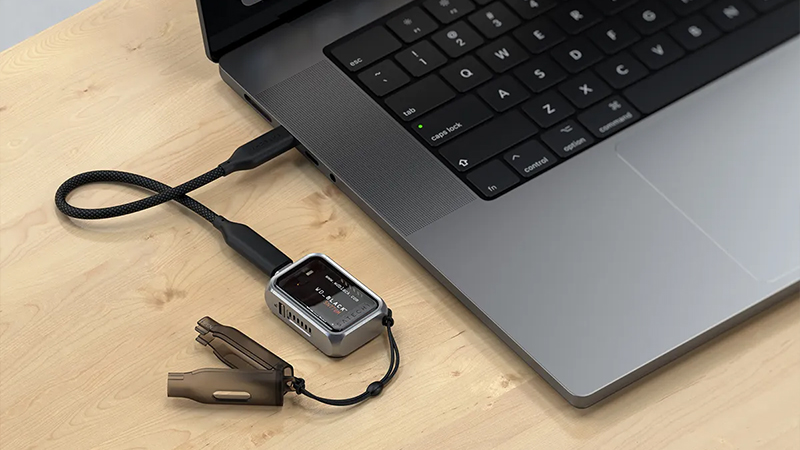
By placing an NVMe SSD in an external enclosure, you get the same high performance in a portable format. That makes a big difference when you work with large video files, photo libraries, or backups where transfer speed quickly becomes an important factor.
Faster file transfers save time
When storage devices are marketed, the focus is often on gigabytes and terabytes, but speed is at least as important. A modern USB-C enclosure with support for USB 3.2 Gen 2 can deliver transfer speeds of up to 10 Gbps.
In practice, that means large amounts of data can be moved in far less time. If you have thousands of high-resolution images or several video projects that need to be transferred between computers, the difference is immediate. Instead of waiting for several minutes, the transfer can often be done in a fraction of the time.
Ideal for creators and content makers
Portable storage has become increasingly important as cameras, drones, and smartphones record video in ever higher quality. Files are getting larger, while the workflow still needs to be fast and smooth.
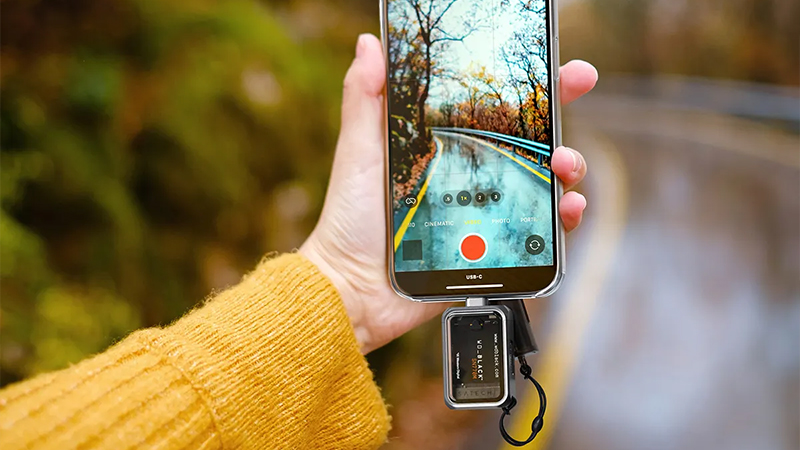
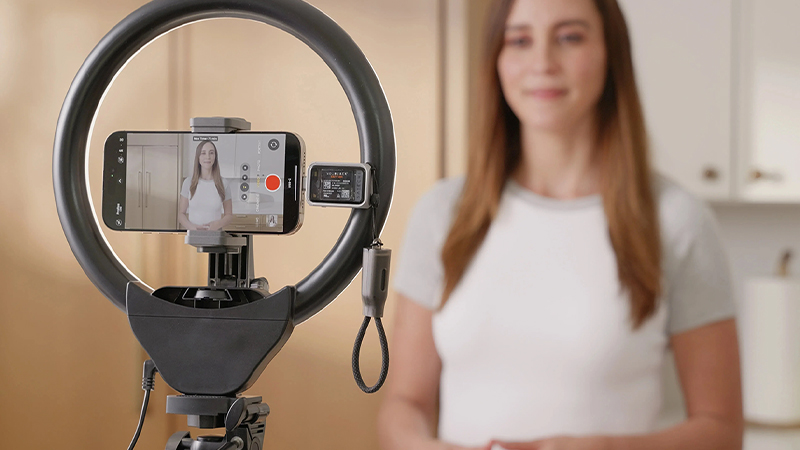
For anyone working with, for example, Apple ProRes video on iPhone or editing media directly from an external drive, a fast NVMe enclosure can be a very practical tool. You get access to extra storage without filling up the internal storage in your computer or phone.
Easy to install yourself
External storage solutions used to feel technical and complicated. Today, they’re much simpler. Many modern SSD enclosures use tool-free installation, where you just open the case, place the SSD, and close it again.
That makes it easy to swap drives when needed or move content between different SSDs. Even someone who has never built a storage solution before can usually get started in just a few minutes.
Compact design for work on the go
One of the biggest advantages of modern SSD enclosures is their size. They often fit in a pocket or laptop bag without taking up any noticeable space.
For anyone working from multiple locations, traveling frequently, or wanting important files close at hand, it’s a convenient solution. At the same time, aluminum construction often offers better cooling than plastic alternatives, helping the SSD maintain steady performance even during longer file transfers.
Compatible with many different devices
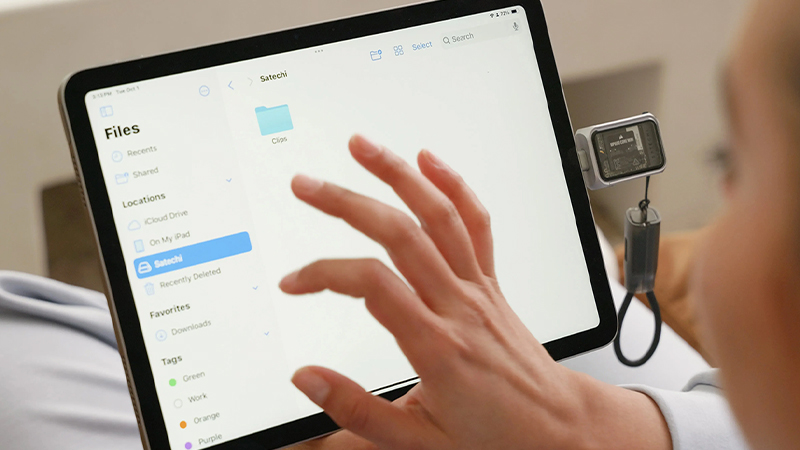
Another advantage is flexibility. A USB-C-based NVMe enclosure usually works with everything from Mac and PC to iPad, Android devices, and game consoles.
That means the same storage drive can be used across multiple platforms. For many people, that means fewer cables, fewer storage devices, and a simpler way to manage files regardless of which device they’re using at the moment.
FAQ
What’s the difference between NVMe and SATA SSD?
An NVMe SSD uses a faster interface that delivers significantly higher read and write speeds than traditional SATA SSDs.
Can I use an NVMe SSD enclosure with Mac?
Yes, most modern USB-C enclosures work perfectly with Mac, MacBook, iPad, and other Apple devices with USB-C.
Do I need any tools for installation?
Many modern models offer tool-free installation, where the SSD is mounted easily without a screwdriver.
Can I use the same SSD with several different devices?
Yes, as long as the devices support compatible file systems and USB-C connectivity, the same storage drive can be used across multiple platforms.
Is an SSD enclosure better than a regular external hard drive?
For anyone prioritizing speed, low weight, and a compact design, an SSD enclosure together with an NVMe SSD is often a much faster option.